

Your Unreal Engine AI Assistants
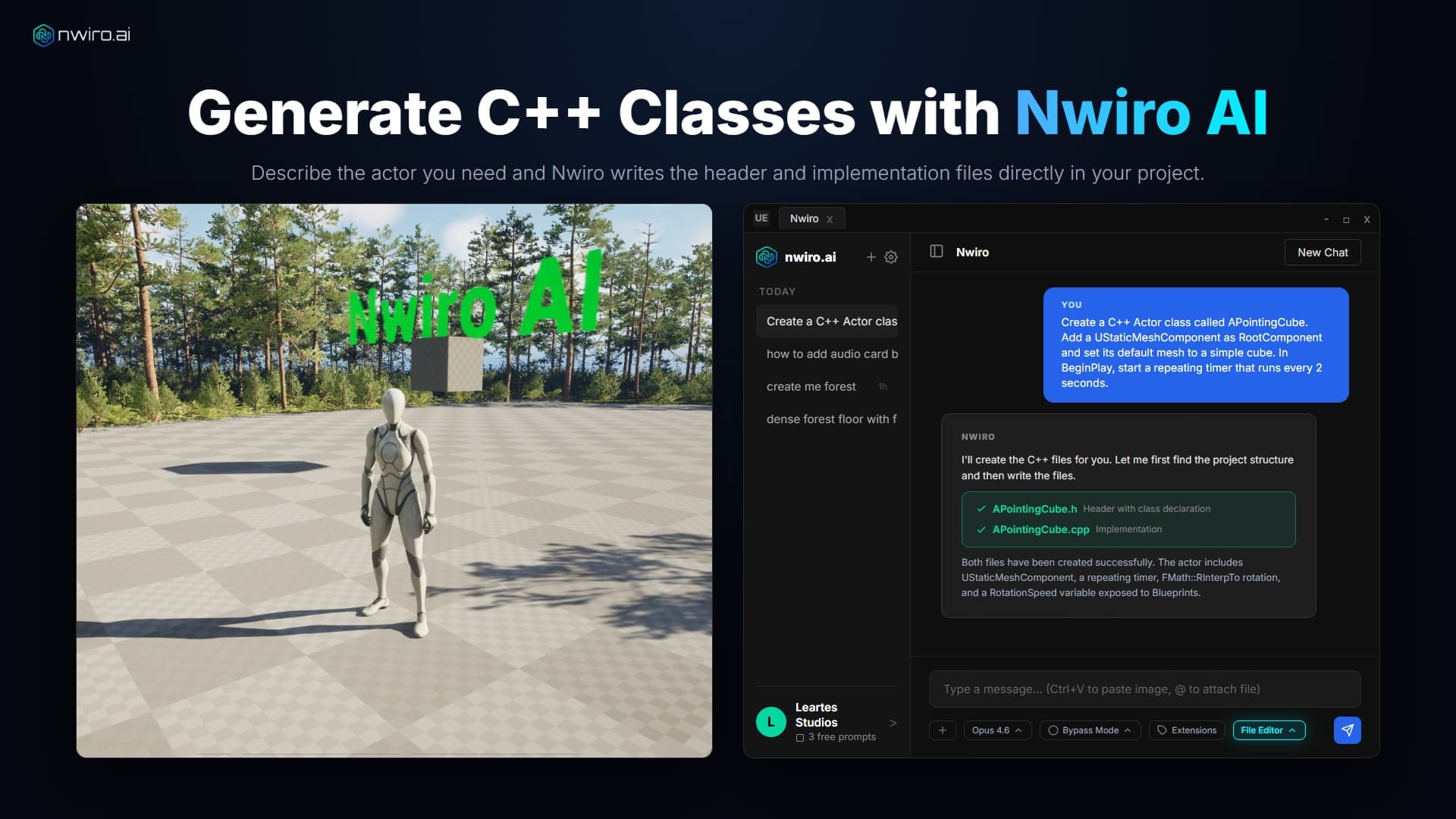
Turn your ideas into working Unreal Engine assets. Describe what you need in plain English and get Blueprints, Materials, C++ classes, and full 3D environments built right inside your UE5 project.


Whatever you're building, there's a tool for it
Wire up a Blueprint. Author a material graph. Retarget an animation. Lay out a level, paint foliage, drive Sequencer, generate with PCG, debug a broken node graph, and then hit Play to let the AI inspect the running game.
One catalogue, in both Nwiro AI Pro and the Integration Kit.
Unreal Engine 5.8 ships its own tool registry. Nwiro brings it into the same chat, so your AI can reach Epic's tools and Nwiro's side by side.
Requires UE 5.8. Experimental, and off by default on both sides — you enable Unreal's toolset plugins, then switch the source on in Nwiro.
Your tools, in the same chat
Got a plugin of your own? Expose its functions to the AI in just one line: tag a UFUNCTION and it shows up beside the built-in tools. No Nwiro headers, no dependency, no rebuild of Nwiro.
They're on by default. A working sample plugin ships with the Kit.
Note:5.7+marks the tools that need Unreal Engine 5.7 or newer.
Unlock Your True Potential
Start free with your own Claude or GPT, or switch to Nwiro AI Pro for advanced PCG pipelines and more AI models.
Nwiro AI Integration Kit
Perpetual Licence
A great fit for solo developers and small teams who want to speed up their Unreal Engine workflow.
Nwiro AI Pro
Subscription or Credits
For power users and studios that need advanced PCG pipelines, expert workflows, and direct support.
Visit 
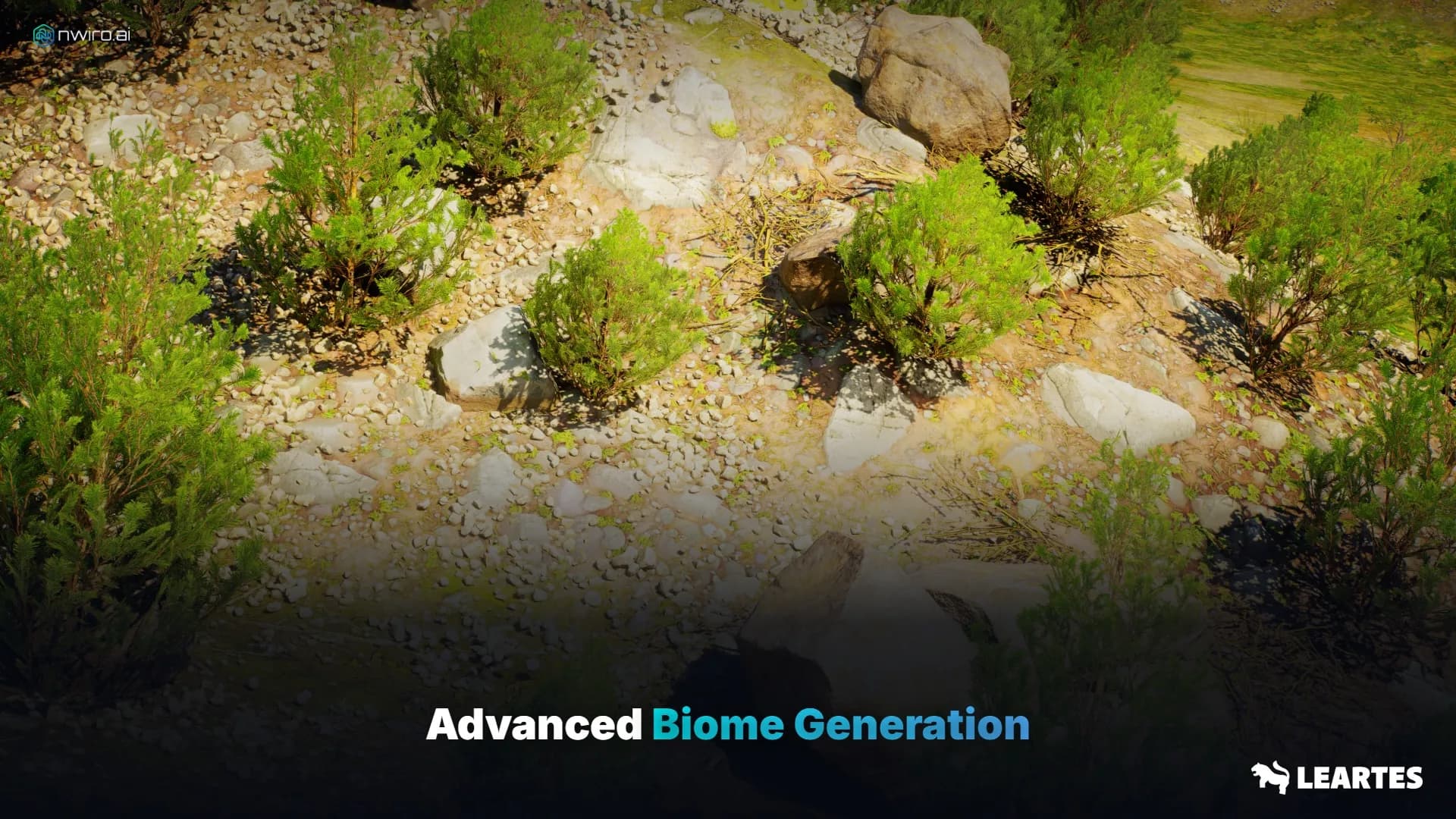
Advanced Biome Generation
Premium features that take your Unreal Engine workflow to the next level.

Generated by Nwiro AI Pro
From a single text prompt to a fully placed PCG biome. Nwiro AI Pro selects meshes from your Content Browser and distributes them naturally across the terrain.
THE ULTIMATE AI PLUGIN FOR UE5
Describe what you want. Nwiro-Agent writes the game logic, builds the environment, and fixes what's broken. Pick the model you trust: Claude, GPT, Gemini, DeepSeek, Kimi and more.


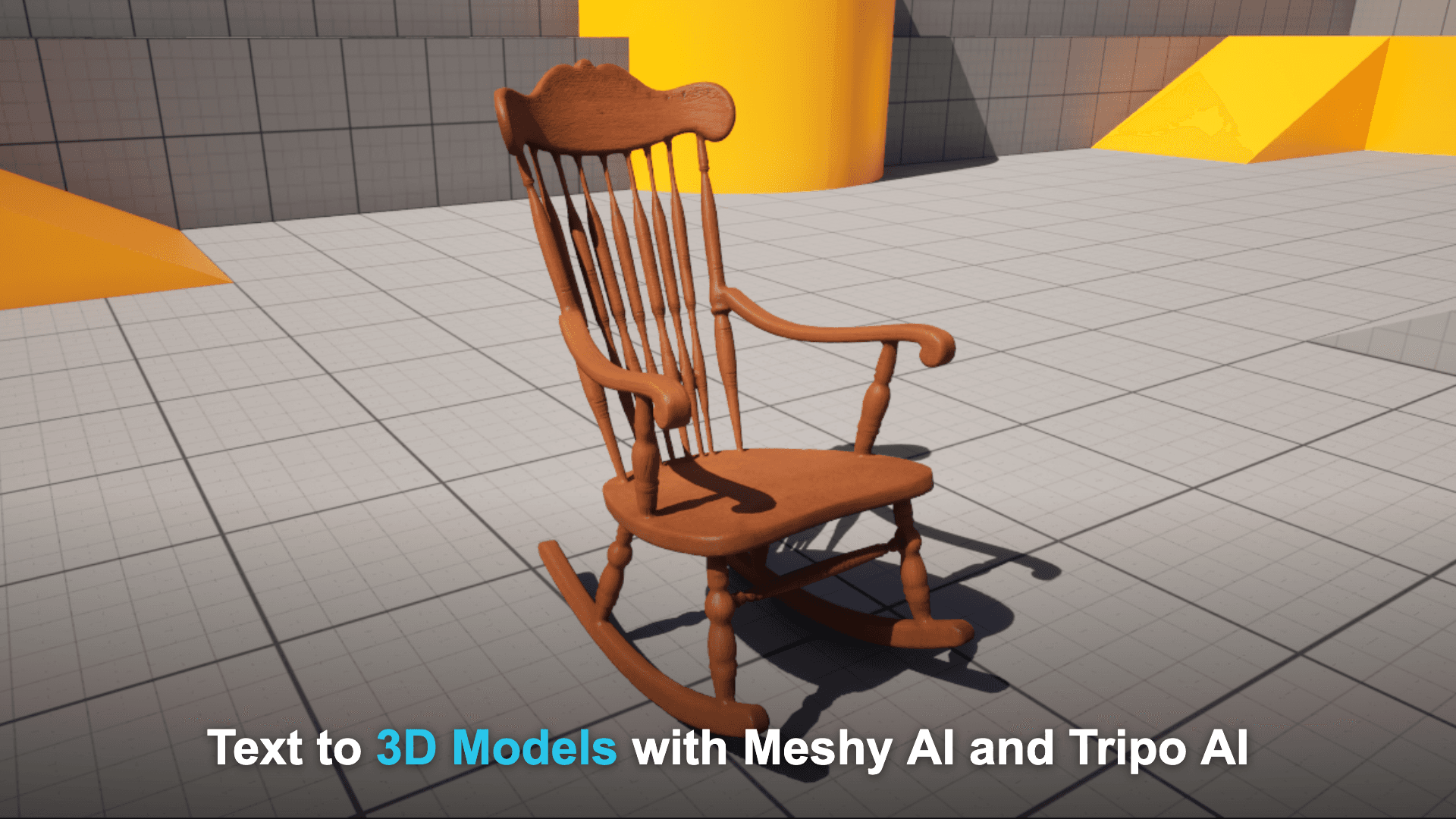
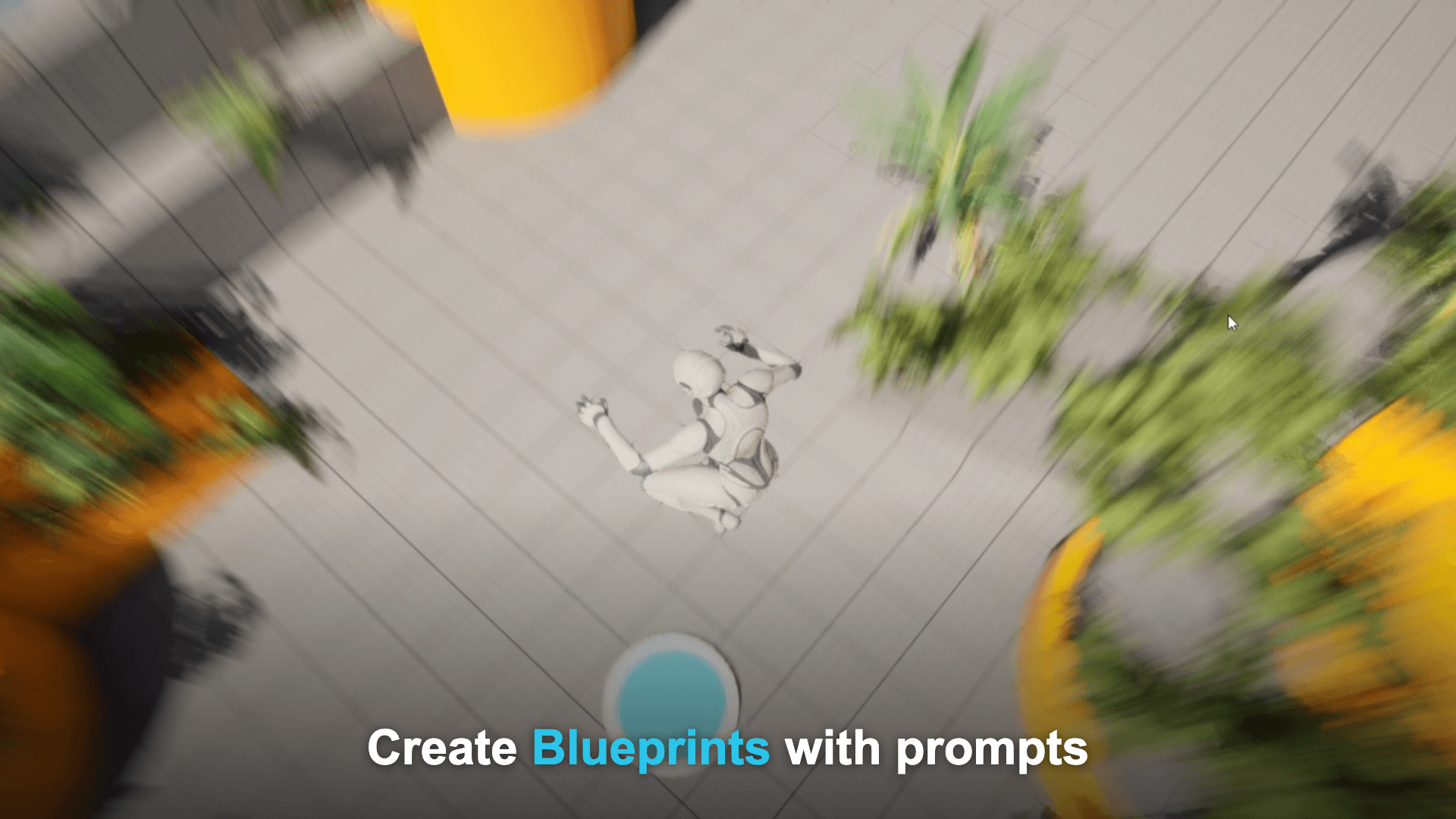
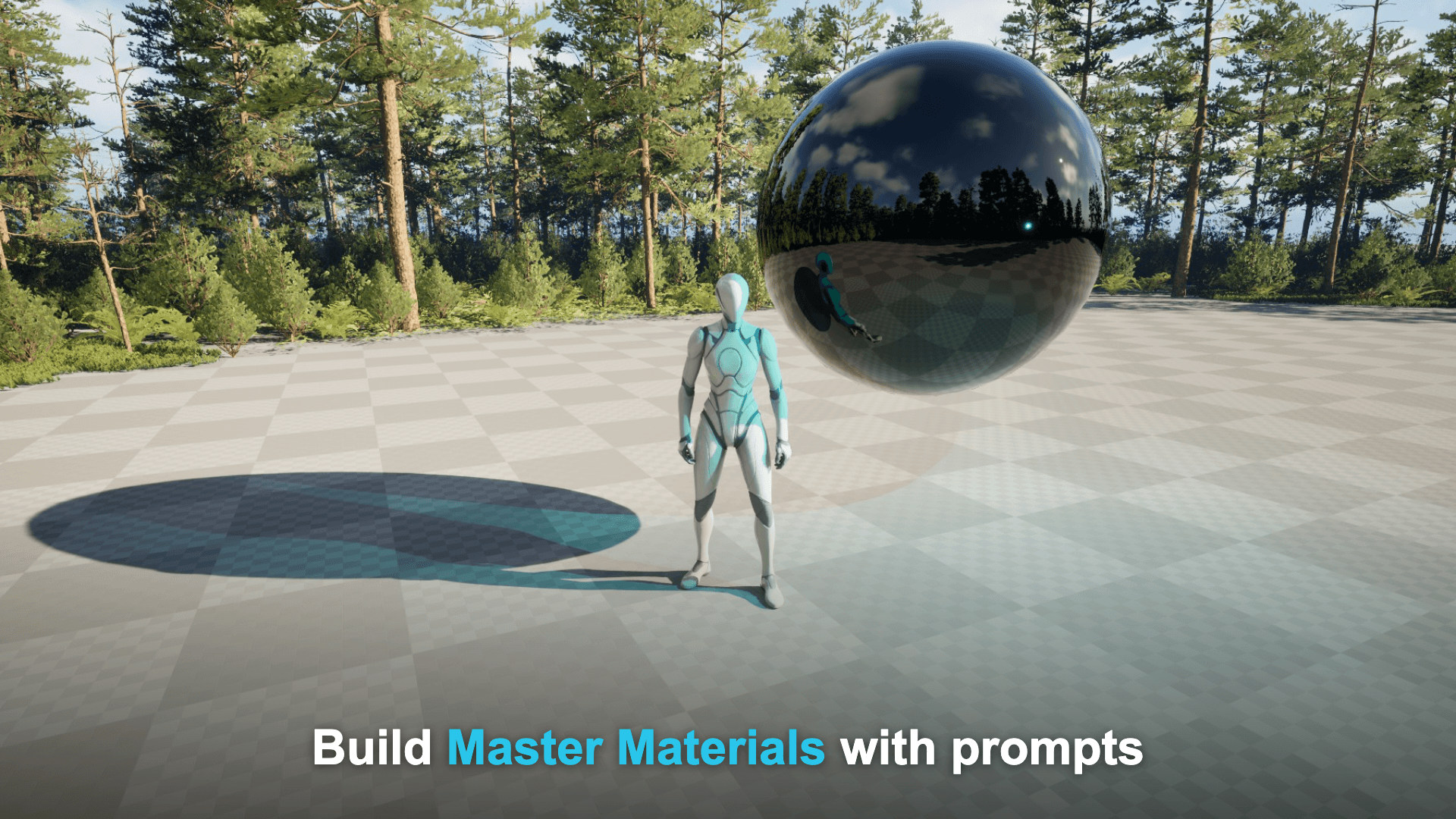
Beyond core assets: text-to-3D models, AI voices and sound effects, plus deep, extensible native Unreal integration, all powered by 10+ built-in AI models.
3D Model Generation
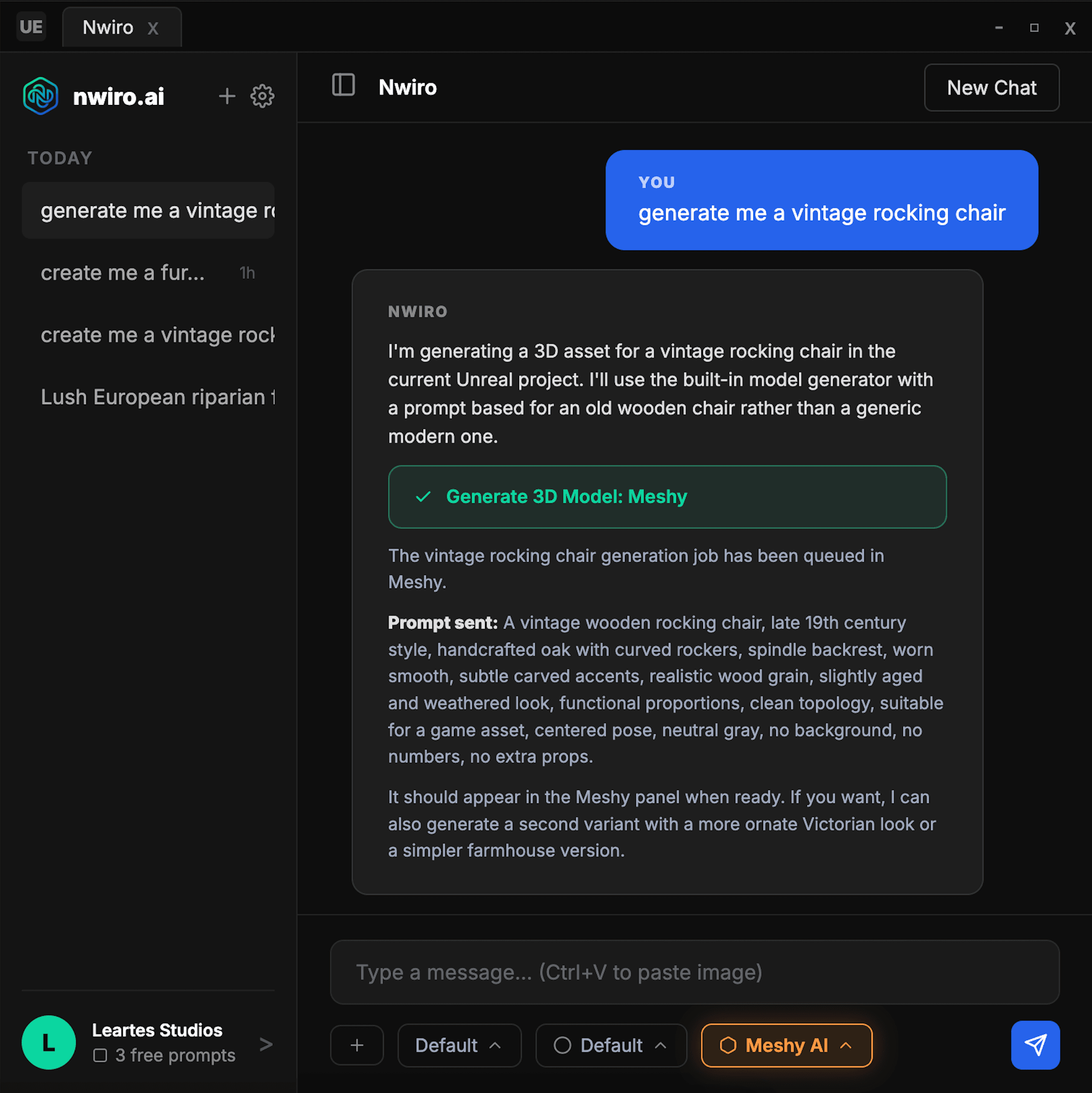
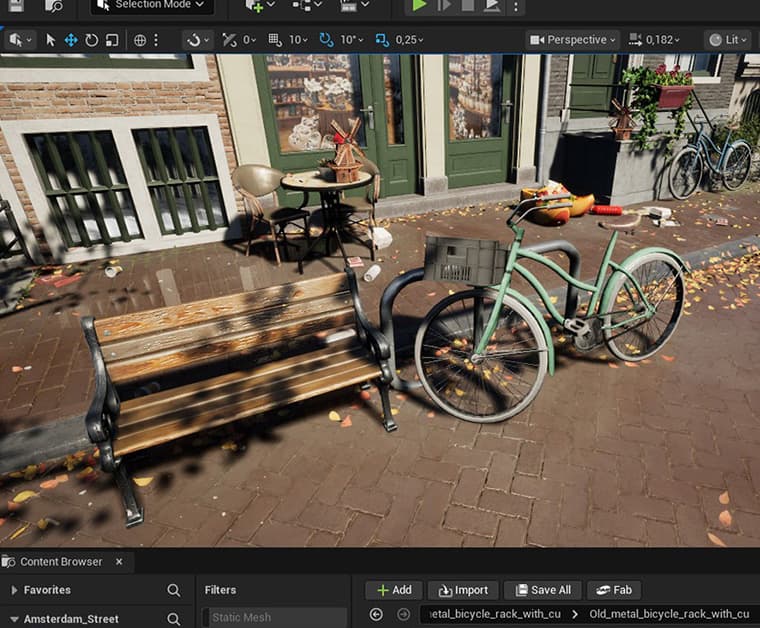
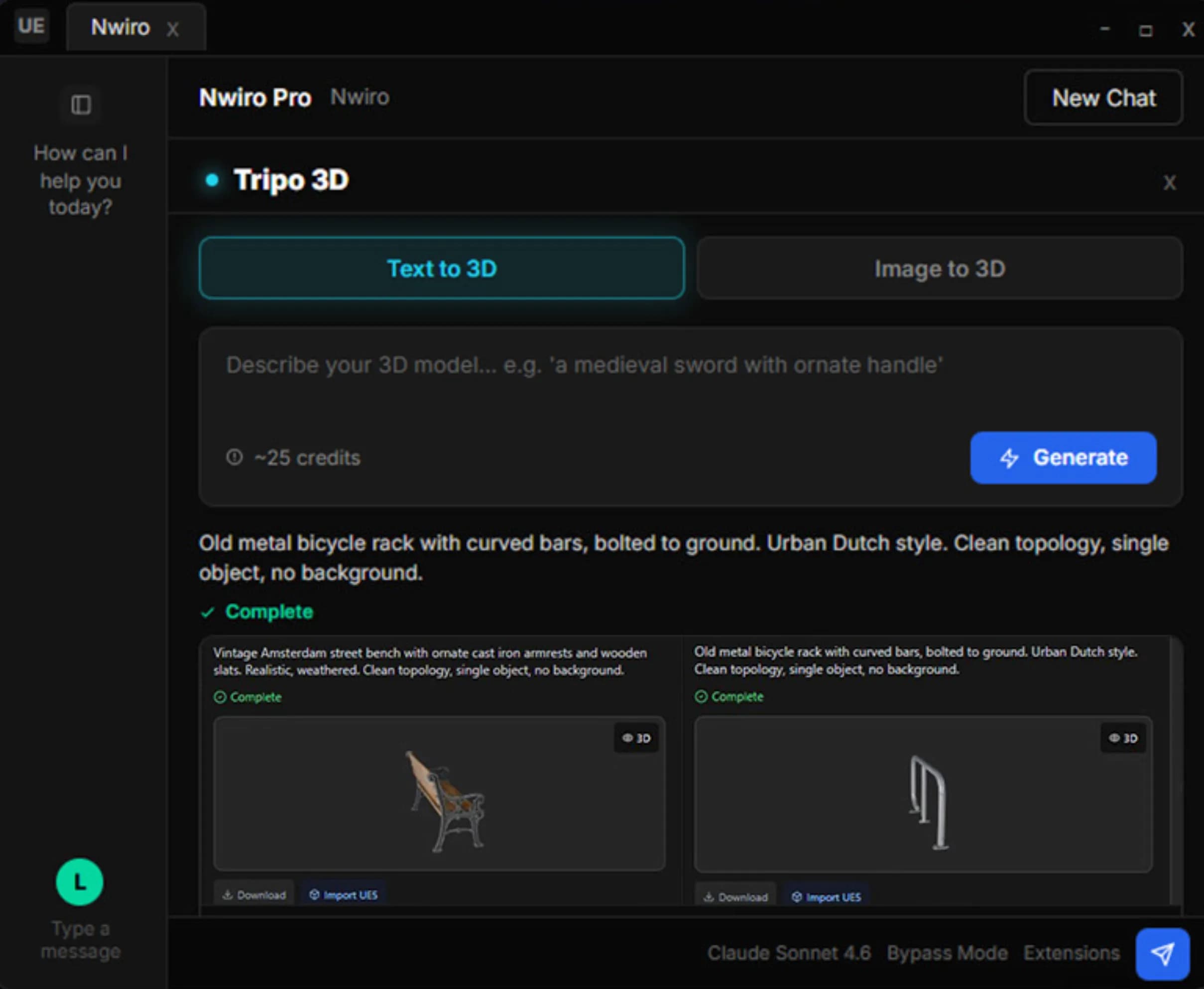
Turn text or a reference image into a game-ready 3D model with Meshy and Tripo, imported straight into UE5.
Audio & SFX
Generate voices and sound effects from text right inside the editor with ElevenLabs.
Custom Plugin Tools
Third-party Unreal plugins expose their own tools to Nwiro with a single UFUNCTION tag, appearing in chat automatically.
Comes along with the models you already use











Generate 3D Models From Text with Meshy AI
Describe what you need and Meshy AI generates production-ready 3D assets directly inside your UE5 project.
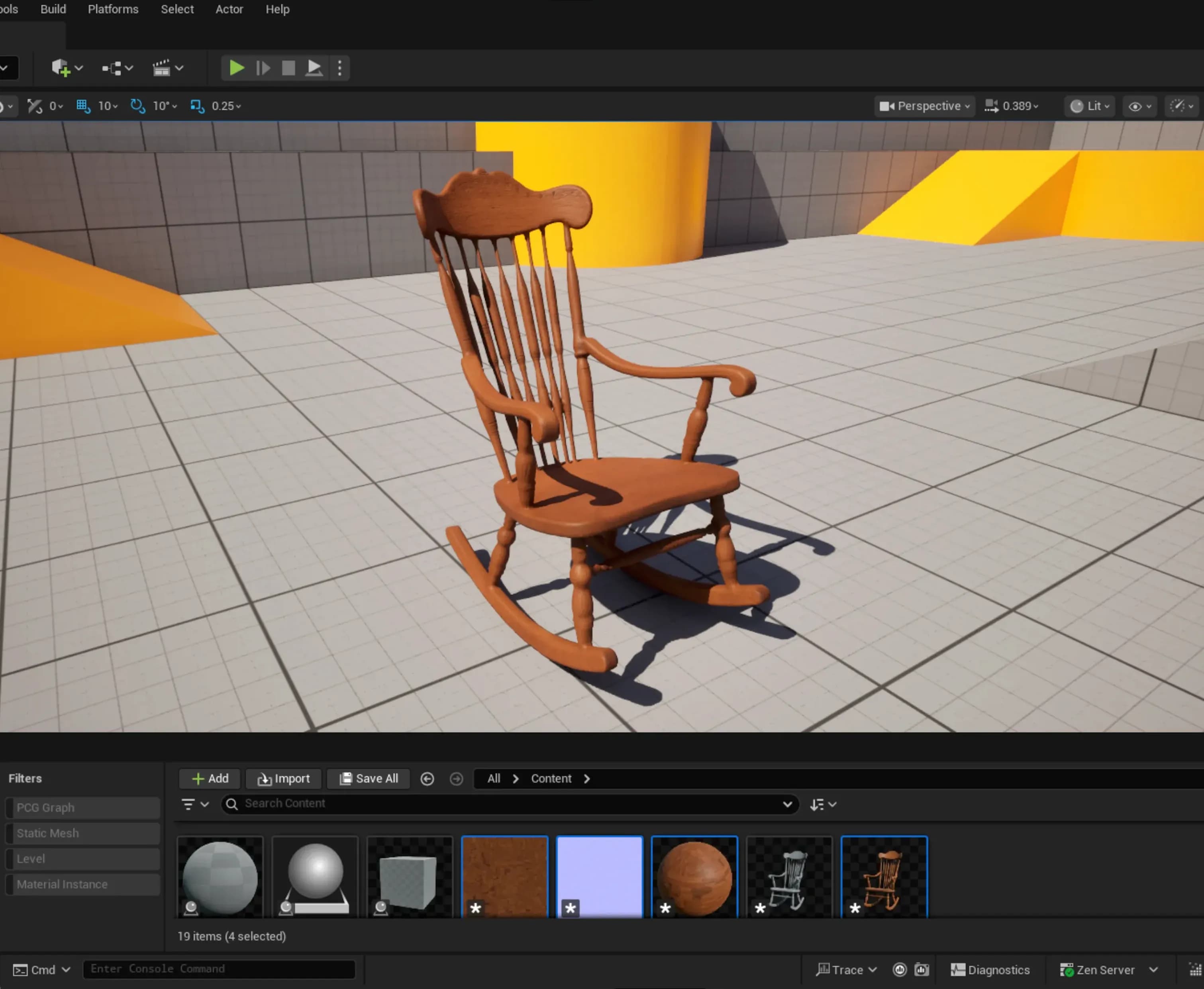
Generate 3D Models From Text or Image with Tripo AI
Start from a short text or an image, and Tripo AI creates 3d models you can use right away in your UE5 project.
 Visit
Visit Use your own models inside UE5
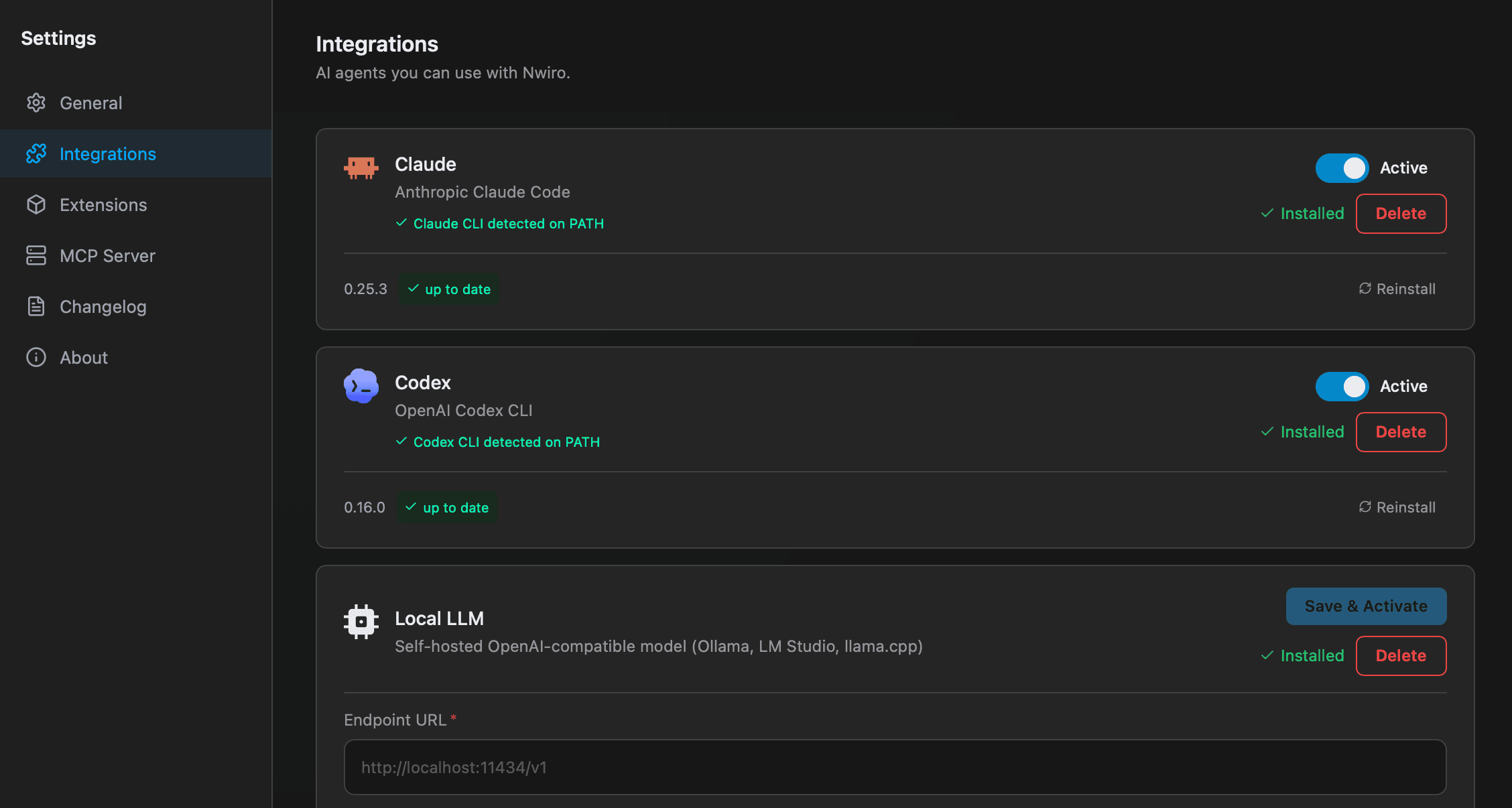
Install them on your machine, sign in once, and get their full power inside UE5.


Locally Secure
Your project data never reaches our servers. The Claude CLI and Codex CLI run locally on your machine and talk directly to Anthropic or OpenAI, nothing in between.
No API Key Required
Forget juggling API keys and dashboards. Sign in to the Claude CLI or Codex CLI once and Nwiro is ready to go, billing handled through your existing Claude or ChatGPT subscription.
Zero-Config Setup
Install the plugin, log in to the Claude CLI or Codex CLI, and you are done. No keys to copy, no environment variables, no provider accounts to wire up.
Full Claude & GPT Power
Through the Claude CLI and Codex CLI you get the full power of the latest Claude and GPT models, including Opus, Sonnet and GPT 5, with no limits or trade-offs.
Real Help From Real Developers
Your AI workflow is backed by regular updates and real-time help.
Active Discord Help
Stuck on a Blueprint, or need a hand with Nwiro Pro or connecting Claude Code / Codex CLI through the Integration Kit? Join our active Discord server to talk directly with the Nwiro team and a growing group of UE5 creators.
Continuous Updates
Both Nwiro Pro and the Integration Kit keep growing. We regularly ship new tools, improve context handling, and fix bugs to keep your workflow up to date.
Clear Documentation
Clear setup guides for Nwiro Pro and the Integration Kit, plus practical prompt tips for C++ and Blueprints.
Day-One Engine Support
Every Unreal Engine release is supported from day one across both plugins, so your AI workflow always works with Epic's latest features.